Calming Games for Kids: For the Calm-Down Corner, the Waiting Room and Bedtime
By Karim Hadid, who makes Oopsies · Last updated October 16, 2026
Sometimes a child needs something quiet to do: a few minutes to reset after a big feeling, a long wait at the doctor's, the wind-down before bed. A calming game is one that doesn't add pressure: no countdown, no loud surprises, nothing to lose. This page covers what to look for, how to set up the iPhone or iPad for each of those moments, and where Oopsies fits.
A word about anxiety
We can't promise that a game will calm every child, and Oopsies isn't a treatment for anxiety. A screen isn't the right tool for every child or every moment, and you know yours best. If worries are getting in the way of your child's days, talk to your child's doctor. What we can do is tell you exactly what's in the game, so you can decide.
What makes a game calming
-
No clock, or one you can hide
A countdown adds pressure at exactly the wrong moment. Look for games without one, or where the timer can be hidden.
-
Nothing to lose
No lives, no game over, no losing streak. A calm game lets your child keep going at their own pace.
-
Sound you can turn off
Quiet should be one tap away, inside the game, without relying on the phone's silent switch.
-
A clear place to stop
Short rounds that end on a pause, so "one more and then we're done" actually works.
-
Nothing that pops up
No ads, no purchase screens, no chat. Surprises are the opposite of calm.
-
Works anywhere
Plays without Wi-Fi, so it works in a waiting room, a car or a plane.
Three calm moments, three setups
The calm-down corner
When the point is to reset, the game should ask as little as possible. Turn the sound off and hide the timer before you hand it over. Pick one of the still worlds, where nothing moves until your child taps (see the world-by-world list on our sensory-friendly games page). For a predictable end, start Guided Access with a Time Limit: it can say out loud how much time is left before the session ends (Apple's guide).
The waiting room
Oopsies' levels play without Wi-Fi, and there are no ads to load or blare. Turn the sound off with the speaker button (the silent switch isn't enough: Oopsies plays sound even on silent), or bring headphones. Each level ends on a victory screen that waits for a tap, so when your child's name is called, you can stop at the end of the current find without losing anything.
Before bed
Whether a game belongs in the bedtime routine is up to you. If it does: lower the brightness in Control Center, turn the sound off, hide the timer, and agree on a number of levels before you start. The victory screen after each level is the natural place to say "that was the last one". A Guided Access Time Limit takes the decision out of the moment.
Where Oopsies fits
Oopsies is a free seek-and-find game: one thing to find per level, across many worlds and over 100 levels. Here's how it compares, checked in the game's code.
| What to look for | What Oopsies does |
|---|---|
| No clock | The timer only counts up, and the stopwatch button on the home screen hides it, along with the "+10 s" after a wrong tap and the leaderboard buttons. |
| Nothing to lose | No level can be lost. A wrong tap just makes the Oopsie shake, with an "oops". |
| Sound you can turn off | The speaker button on the home screen turns off every sound, and there's no music. Oopsies plays sound even when the iPhone is on silent, so use the button. |
| A clear place to stop | Each level has one goal (one Oopsie, a pair of twins or a whole family) and ends on a victory screen that waits until someone taps Next Level. |
| Nothing that pops up | No ads, no in-app purchases, no chat. Oopsies asks for a rating at the end of some worlds, and offers notifications once every world is done; both have a "Not now" button. |
| Works anywhere | Levels play in airplane mode; progress syncs once you're back online. It runs on iPhone, iPad, Mac (M1 or later) and Apple Vision Pro. |
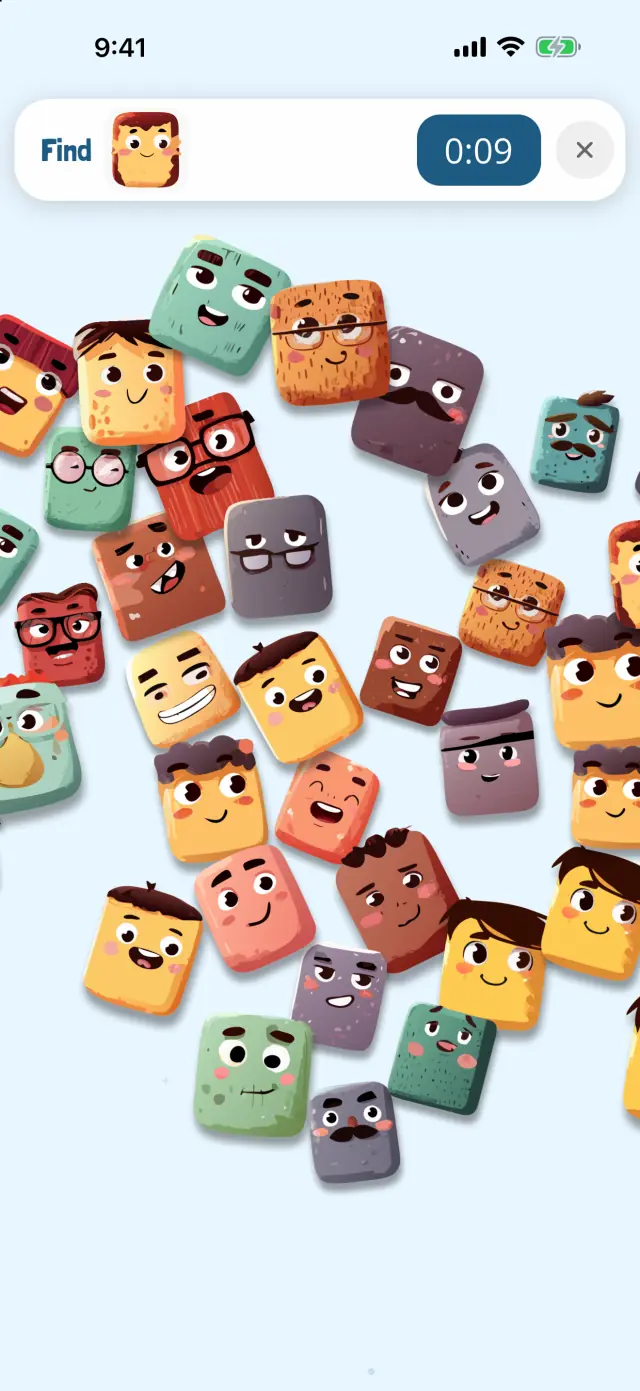
🥰 Frosti Floops
Oopsies are feeling cuddly.
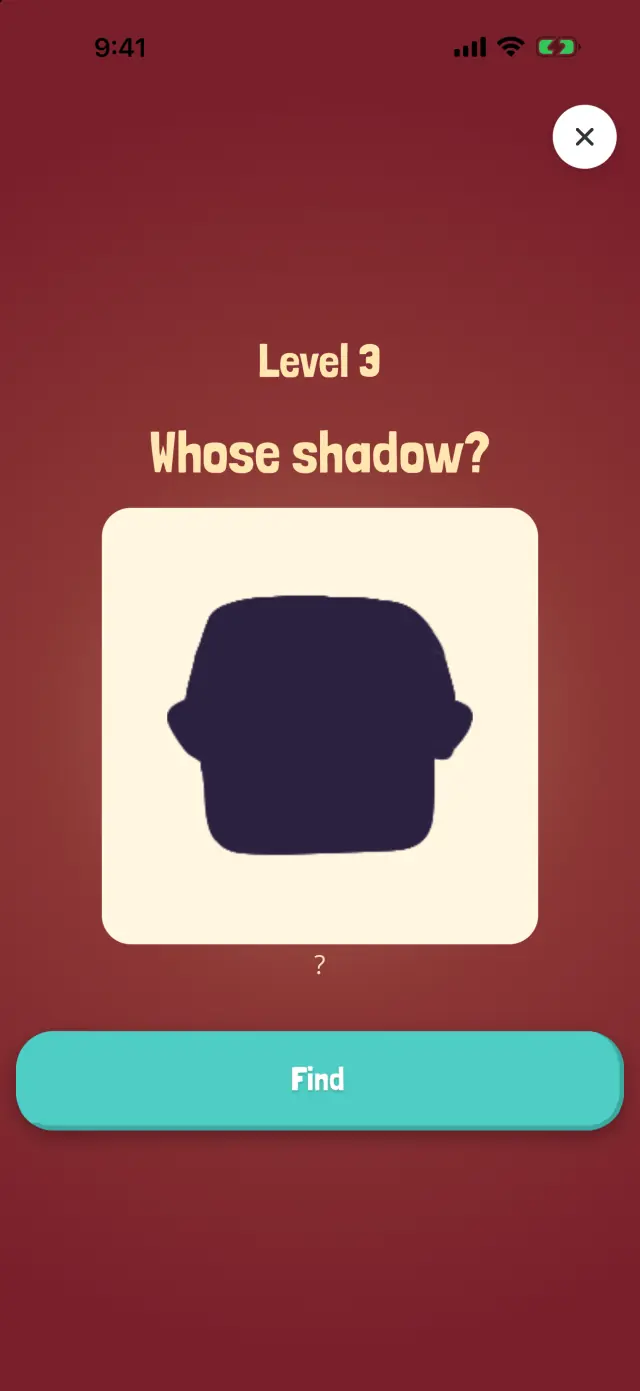
🌑 Shadow Show
Which Oopsie casts this shadow?
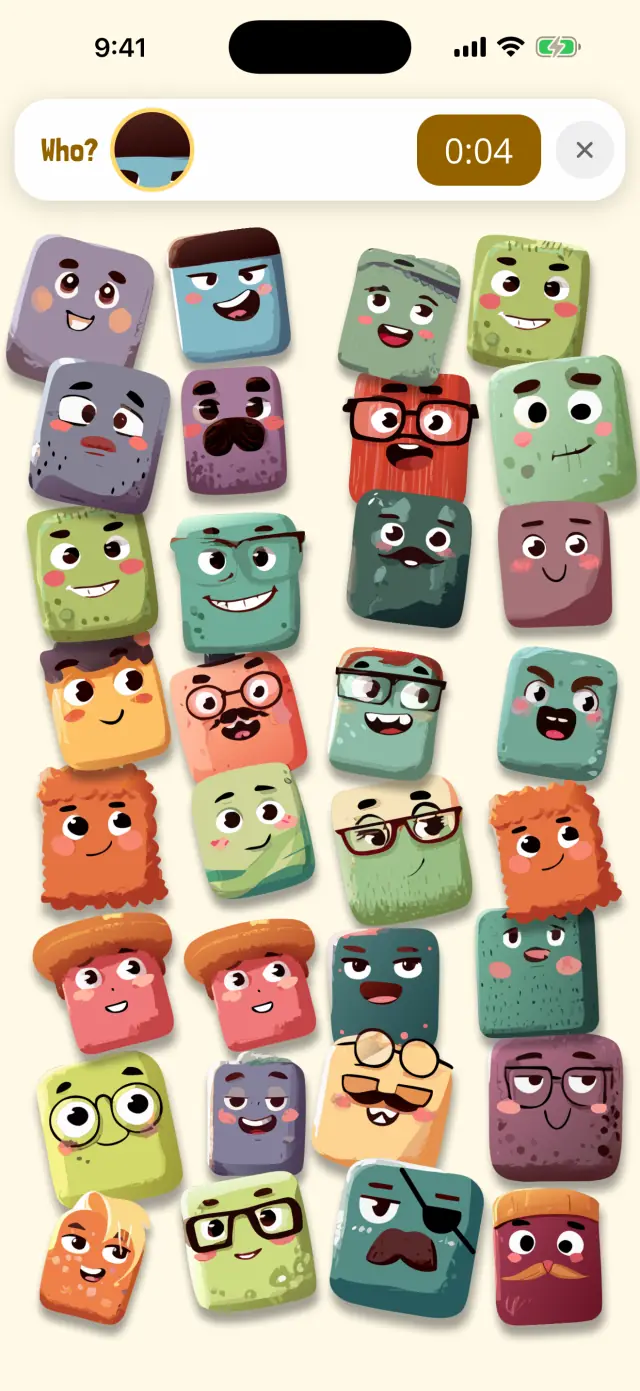
🔍 Peekaboo
Only a tiny bit of the Oopsie is showing.
What may not feel calm
- The timer, until you hide it. It shows by default.
- Some worlds move on purpose. Whoosh! has gusts of wind, Bubble Pop has floating bubbles, and a few later Lights Out levels have a flickering flashlight. You can skip them: any world can be picked from the home screen.
- Later levels are busier. Each level has more Oopsies than the one before. Going back to an easier world is always an option.
- Collecting can pull you in. Every find adds a card to your child's collection, and Next Level is one tap away. Agreeing on a stopping point first helps.
Questions from parents
Do calming games help with anxiety?
We can't promise that, and Oopsies isn't a treatment for anxiety. Some kids settle with a quiet, familiar activity; others need something else entirely, like movement, a hug or no screen at all. If worries are getting in the way of your child's days, talk to your child's doctor.
Does Oopsies work without Wi-Fi, like in a waiting room?
Yes. Levels play in airplane mode, and progress and leaderboard times sync once you're back online. There are no ads, so nothing loads or plays while your child waits.
How do I set a time limit for a game?
Guided Access, built into iPhone and iPad, can end a session after a time limit, and can say out loud how much time is left. Turn it on in Settings › Accessibility › Guided Access, then start it from inside the game and set a Time Limit in Session Settings.
Is Oopsies OK before bed?
Whether a game belongs in your bedtime routine is your call. If it does, turn the sound off, hide the timer, pick a still world and agree on a number of levels: each level ends on a screen that waits for a tap, which makes a natural place to stop.
About this page
Written by Karim Hadid, the independent developer who makes Oopsies. Karim isn't a clinician: this page describes the game and points to other sources. It isn't medical advice.
Reviewed by: not reviewed yet. We're looking for an occupational therapist or speech-language pathologist to check this page, and their name will appear here.
How we checked: every point about Oopsies was checked in the game's code. iPhone settings were checked in Apple's iPhone User Guide for iOS 27.
Sources
- Lock iPhone to one app with Guided Access. Apple iPhone User Guide.
- Customize onscreen motion on iPhone. Apple iPhone User Guide.
Spotted something wrong, or have a tip from your own family? Write to playoopsies@gmail.com.
A quiet game for quiet moments
Free, no ads, no in-app purchases, works offline. Hide the timer, turn the sound off, and let your child play one level at a time.