Games for Kids With ADHD: Short Levels, One Task at a Time
By Karim Hadid, who makes Oopsies · Last updated October 16, 2026
Every child with ADHD is different, but parents often look for the same things in a game: quick to start, one clear thing to do, feedback right away, and an easy place to stop. This page goes through what may suit, what may not, and where Oopsies fits, on iPad and iPhone.
What this page doesn't promise
Oopsies is a game, not a treatment for ADHD or a program to train attention, and we make no claims about either. If you have questions about your child's ADHD, your child's doctor is the person to ask. This page sticks to how the game works, so you can judge whether it suits your child.
What may suit
-
Quick to start
No long story or menus before the fun. In Oopsies, a tap on a world card and a tap on Find, and your child is playing.
-
One task at a time
Each level has one goal: one Oopsie to find (or a pair of twins, or a family). Its picture stays at the top of the screen the whole time, so there's nothing to remember.
-
Feedback right away
A right tap makes the Oopsie jump with a burst of stars and a giggle. A wrong tap makes it shake, with an "oops". No waiting to find out.
-
Short levels with a clear end
Every level ends on a victory screen that waits until someone taps Next Level, which makes a natural place to stop.
-
Help before frustration
In several worlds, a hint shows up after about 30 seconds without a find. No level can be lost.
-
A challenge if they want one
Some kids love racing the clock: the timer and a leaderboard for each world are there for them. For kids who don't, the stopwatch button hides it all.
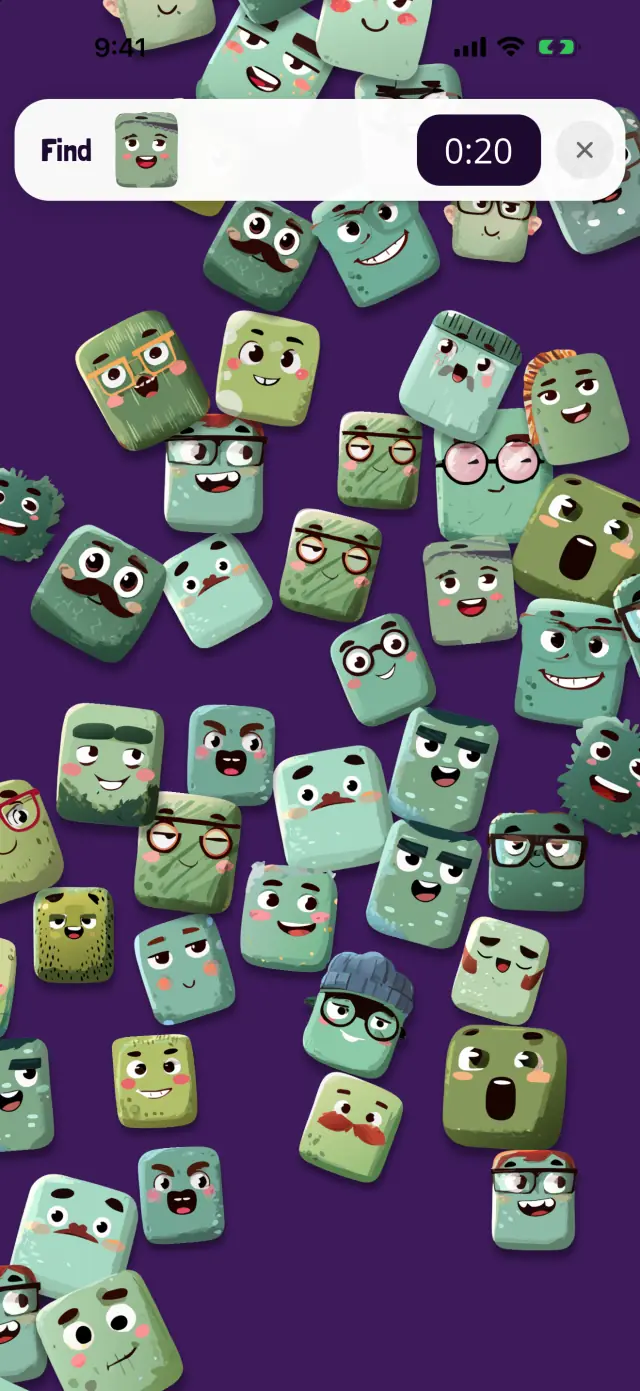
💡 Odd Ones
Spot the one that doesn't belong.
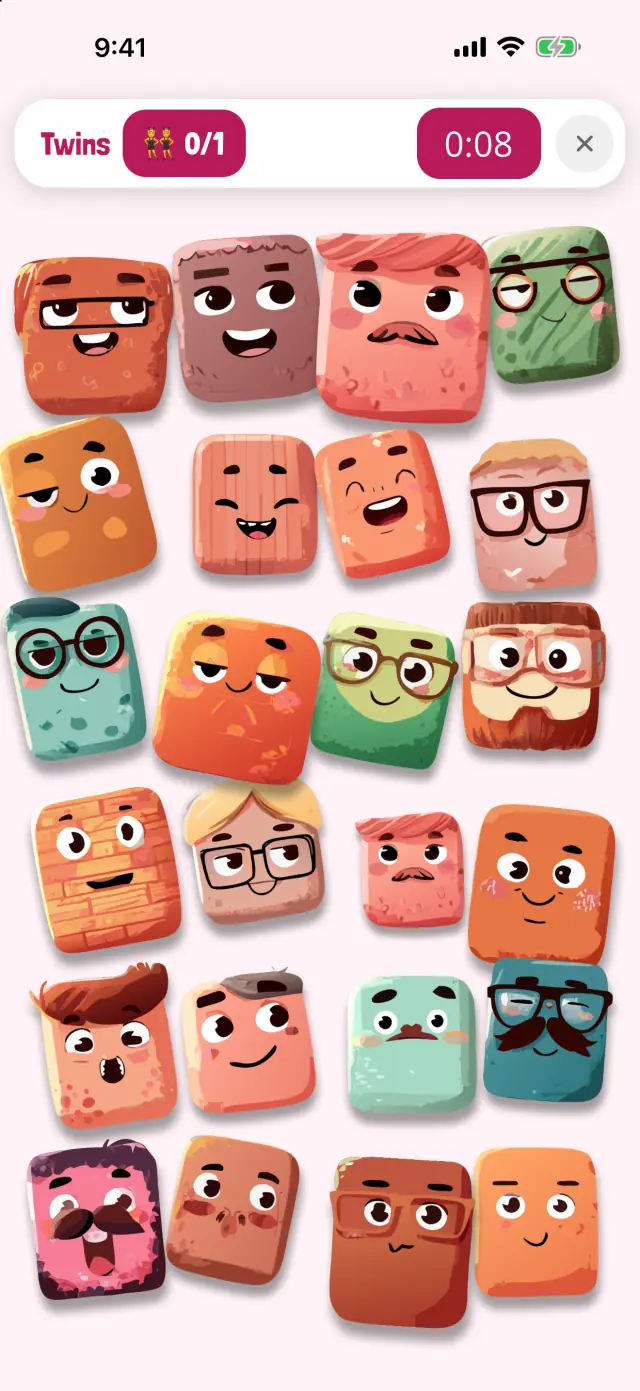
👯 Double Trouble
Two Oopsies are exactly alike.
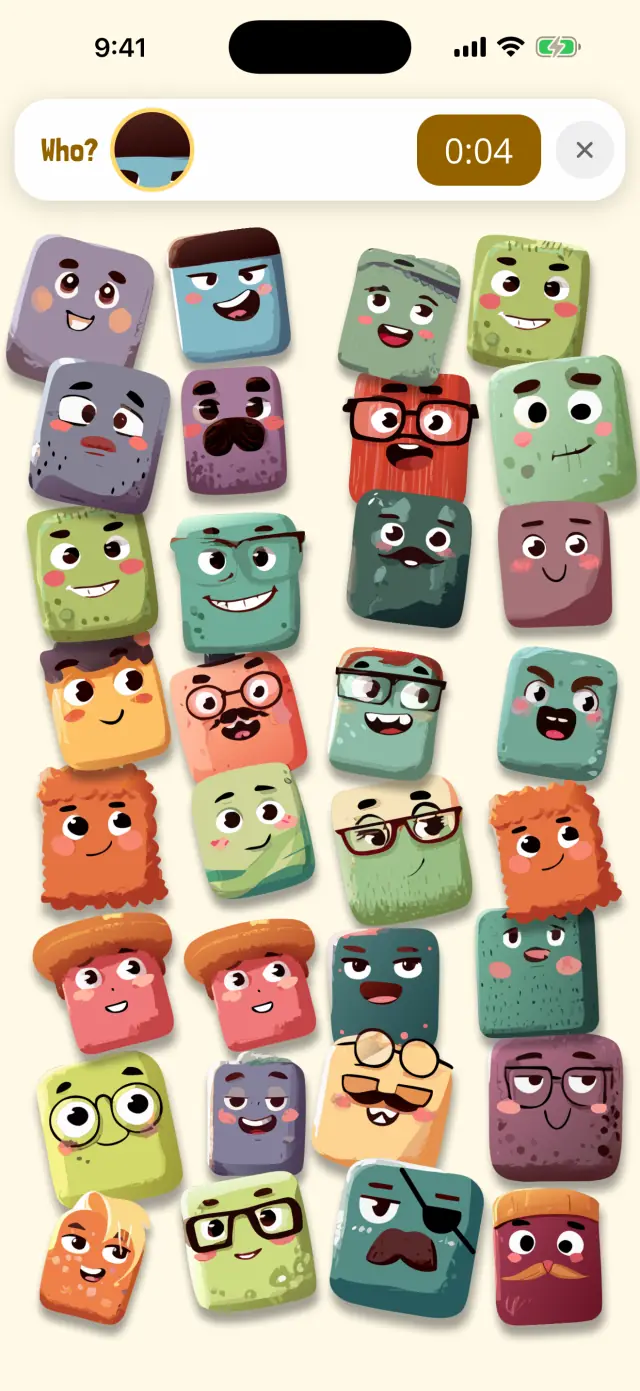
🔍 Peekaboo
Only a tiny bit of the Oopsie is showing.
What may not suit
-
"Just one more level"
Next Level is always one tap away, and every find adds a card to the collection. Stopping can be hard. Agree on a stopping point before you start, or let Guided Access end the session (see below).
-
Busier screens later on
Each level has more Oopsies than the one before. Some kids love the challenge, others get frustrated. Going back to an easier world is always an option.
-
Racing the clock
Motivating for some kids, stressful for others. Try a few levels each way and watch how your child reacts.
-
Leaderboards
Comparing times with other players can sting. With the timer hidden, the leaderboard buttons are hidden too.
-
Worlds that move
Whoosh! (gusts of wind) and Bubble Pop (floating bubbles) are exciting for some kids and too much for others. Any world can be picked, so you can skip them.
Two settings to try
Clock or no clock. Some kids play harder with a timer running, others freeze up. Try both and watch how your child reacts.
A time limit that isn't you saying "stop"
Guided Access, built into iPhone and iPad, keeps the device in one app and can end the session after a time limit. It can even say out loud how much time is left (Apple's guide).
- Turn it on in Settings › Accessibility › Guided Access, and set a passcode.
- Open Oopsies and start Guided Access with the Accessibility Shortcut (usually a triple-click of the side or Home button).
- In Session Settings, turn on Time Limit and choose how long. Tap Start.
When time is up, play stops until you end the session with your passcode. Apple notes that Crash Detection and Emergency Services aren't available during a Guided Access session.
For more on setting up sound and motion, see sensory-friendly games, and for the full checklist of what to look for, our autism-friendly games guide. Many of the same points apply.
Questions from parents
Will Oopsies help my child focus?
We don't claim that. Oopsies is made to be fun, not to train attention or treat ADHD, and we don't make promises about either. What we can tell you is how the game works: one goal per level, quick feedback, short levels and a clear place to stop.
Does Oopsies work on iPad?
Yes. Oopsies is the same free game on iPhone, iPad, Mac (M1 or later) and Apple Vision Pro. On iPad, the bigger screen gives the Oopsies more room to hide, and gives small fingers a bigger target.
How long is a level?
Short: each level has one goal, and the early levels of each world have fewer Oopsies. How long it takes depends on the level and on your child. If they're stuck, a hint appears after about 30 seconds in several worlds.
How do I set a time limit?
Guided Access, built into iPhone and iPad, keeps the device in one app and can end the session after a time limit, saying out loud how much time is left. Turn it on in Settings › Accessibility › Guided Access, then start it from inside the game.
Are there ads or in-app purchases?
No ads, no in-app purchases and no chat. Oopsies is free, rated 4+, and its App Store privacy label says "Data Not Collected".
About this page
Written by Karim Hadid, the independent developer who makes Oopsies. Karim isn't a clinician: this page describes the game and points to other sources. It isn't medical advice.
Reviewed by: not reviewed yet. We're looking for an occupational therapist or speech-language pathologist to check this page, and their name will appear here.
How we checked: every point about Oopsies was checked in the game's code. iPhone settings were checked in Apple's iPhone User Guide for iOS 27.
Sources
- Lock iPhone to one app with Guided Access. Apple iPhone User Guide.
Spotted something wrong, or have a tip from your own family? Write to playoopsies@gmail.com.
One goal per level, one tap at a time
Free, no ads, no in-app purchases. Pick a world, find the Oopsie, and stop on any victory screen.