Games for Kids Without Wifi
For planes, trips, and places with no signal.
Read more →For church, restaurants, a sibling's recital, or anywhere a loud "I found it!" would turn heads. Games with paper, games with nothing, and how to make a screen game truly silent.
The trick is to pick games with no winner moment. Racing and scoring make kids loud. Searching, drawing and guessing in whispers keep them busy and quiet. If you bring a screen, set it up so it can't make a sound, even by accident.
A napkin, the back of a program, or a little notebook kept in the bag:
If you hand over a screen, these settings stop the sound before it starts. The Oopsies buttons are on the game's home screen.
Oopsies has no ads, so no video can start playing on its own, and nothing to buy.
Oopsies is our game: a free seek-and-find game for ages 4 and up. Each level shows an Oopsie to find in a crowd, and every world changes the rule. These are the calmest:
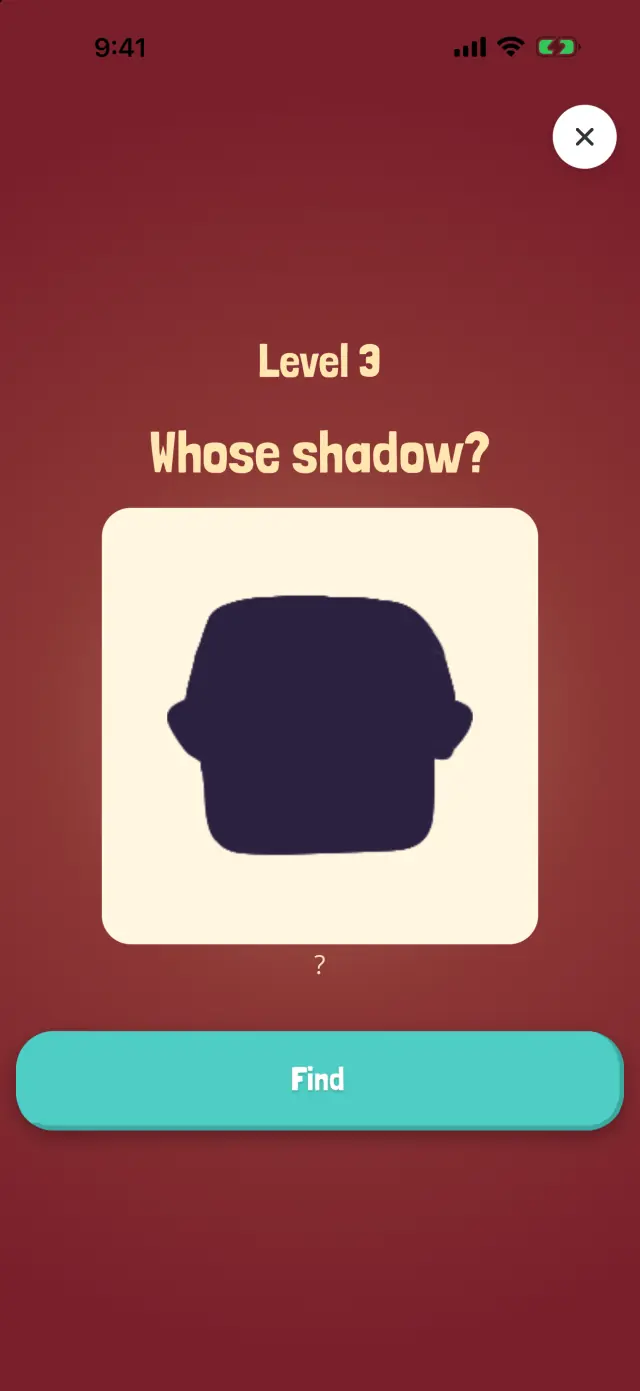
Which Oopsie casts this shadow?
Match a shadow to its Oopsie. One calm puzzle per level, no rush.
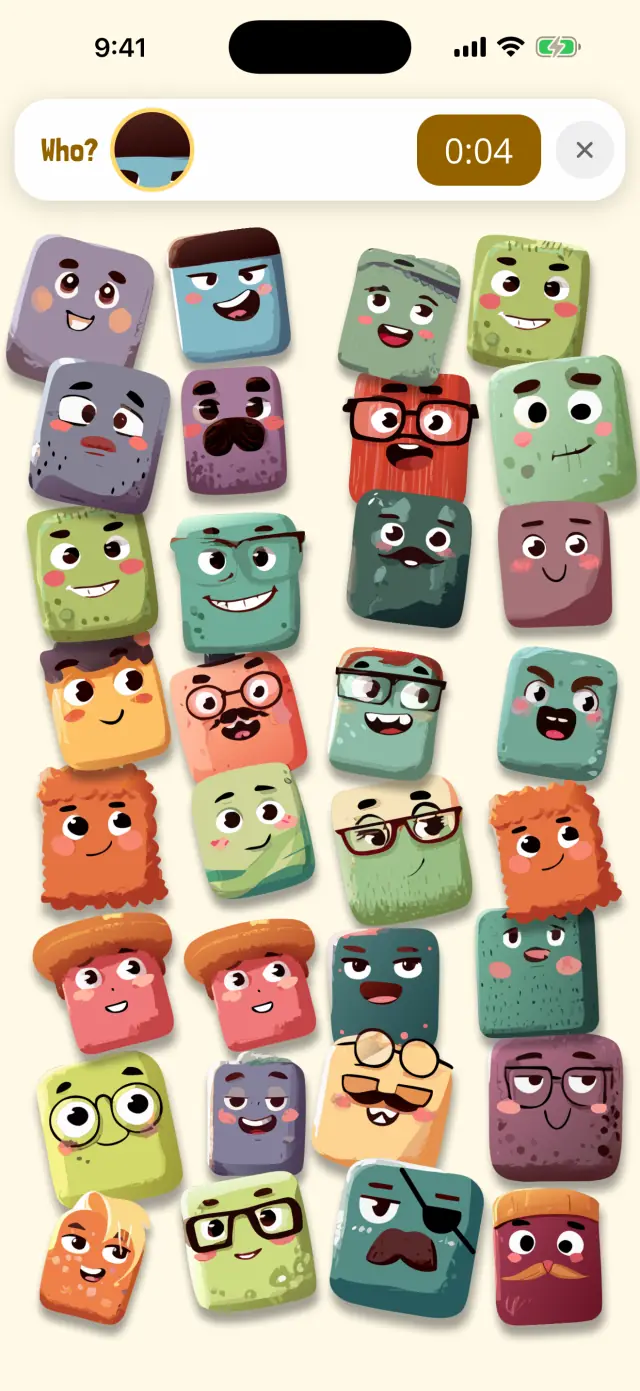
Only a tiny bit of the Oopsie is showing.
Only a tiny part of the Oopsie shows in a little window. A quiet, close-looking game.
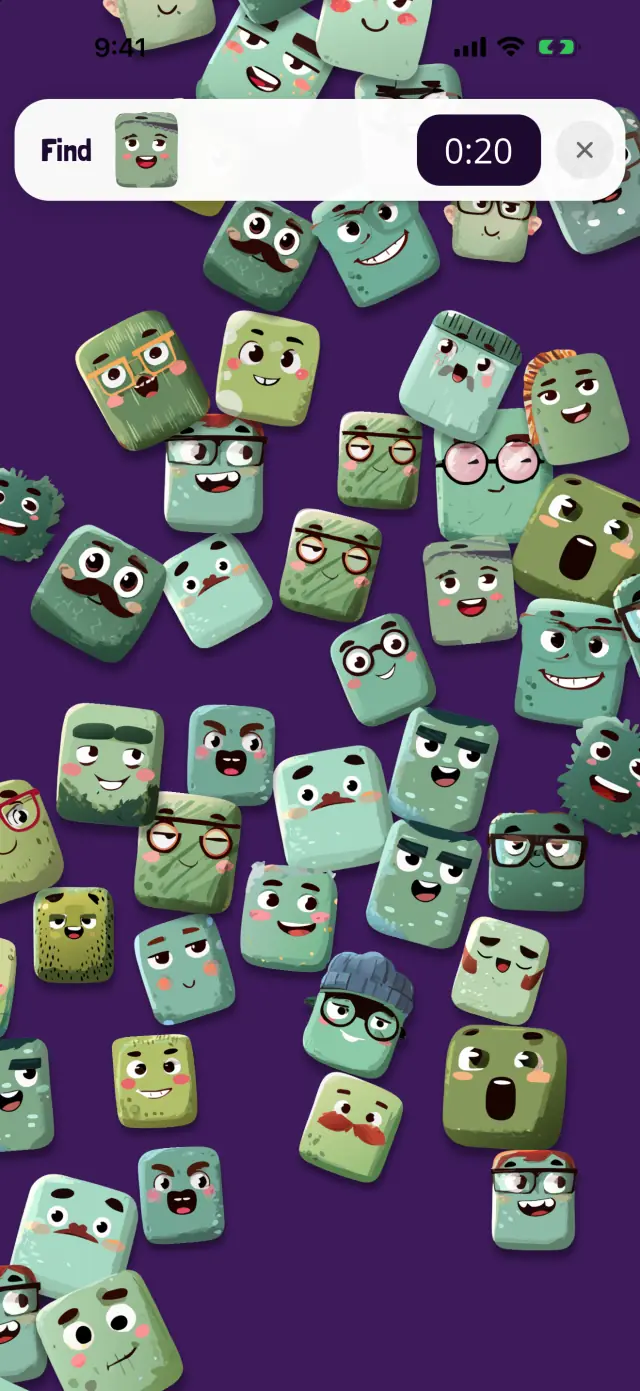
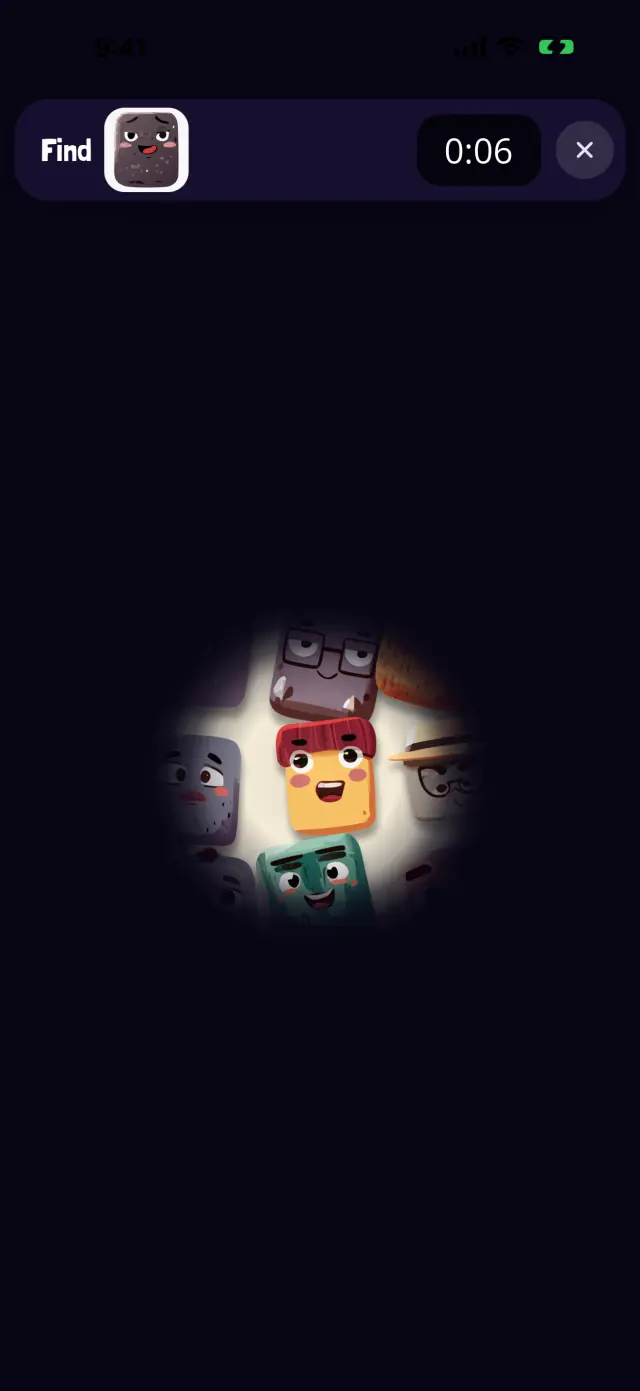
Oopsies are hiding in the dark.
Search the dark with a finger-flashlight. A dark screen also stands out less in a dim church.
The livelier worlds, Whoosh! (the wind mixes the Oopsies up) and Bubble Pop, are better saved for the car.
How long a level takes: one search, so your child can stop the moment the service starts or the food arrives. Nobody can fail a level, and after 30 seconds without a find the game gives a hint, so there's no stuck moment that ends in a loud complaint.
Paper games like dots and boxes or squiggle drawing, a silent look-and-find around you (three candles, something blue, a shape in a window), and, if you allow a screen, a calm game with the sound off and Guided Access on.
Yes. The speaker button at the top right of the home screen turns off every sound in the game, and nothing in it needs sound to play.
No. Oopsies has no ads and no in-app purchases, so no video can start on its own.
Turn on Guided Access in Settings, then Accessibility, and set a passcode. In the game, triple-click the side button (or Home button) and tap Start. In its options, you can also turn off the volume buttons.
Oopsies is free, with no ads and no in-app purchases, and works offline. One tap turns all its sound off.
Oopsies facts come from the game itself. Last edited October 16, 2026.