Games for Long Car Rides
Talking games for the whole car, and how to set up the iPad for the long stretch.
Read more →For planes, road trips and grandma's house: how to make sure a game really works offline before you leave, and what to do when the battery runs out.
"Offline" on a game's description doesn't always mean what you'd hope. Some games need a connection to start, to load the next level, or to show the ads that pay for them. The only way to be sure is to test at home, which takes two minutes.
Our own game, Oopsies, works in airplane mode: levels play offline, and progress syncs when you're back online.
Do this at home, the day before you leave, for every game your child might ask for.
Oopsies is free, rated 4+, with no ads and no in-app purchases, on iPhone, iPad, Mac (M1 or later) and Apple Vision Pro. Without a connection, every level still plays. Progress and leaderboard times wait on the device and sync when you're back online, so nothing is lost.
How long a level takes: each level is a single search, a crowd that starts small at the beginning of a world and grows by the end. Nobody can fail a level, and after 30 seconds without a find the game gives a hint (in most worlds, the Oopsie giggles and glows), so a level never drags on. With over 100 levels in many worlds, there's plenty for a long trip, and your child can stop between any two levels.
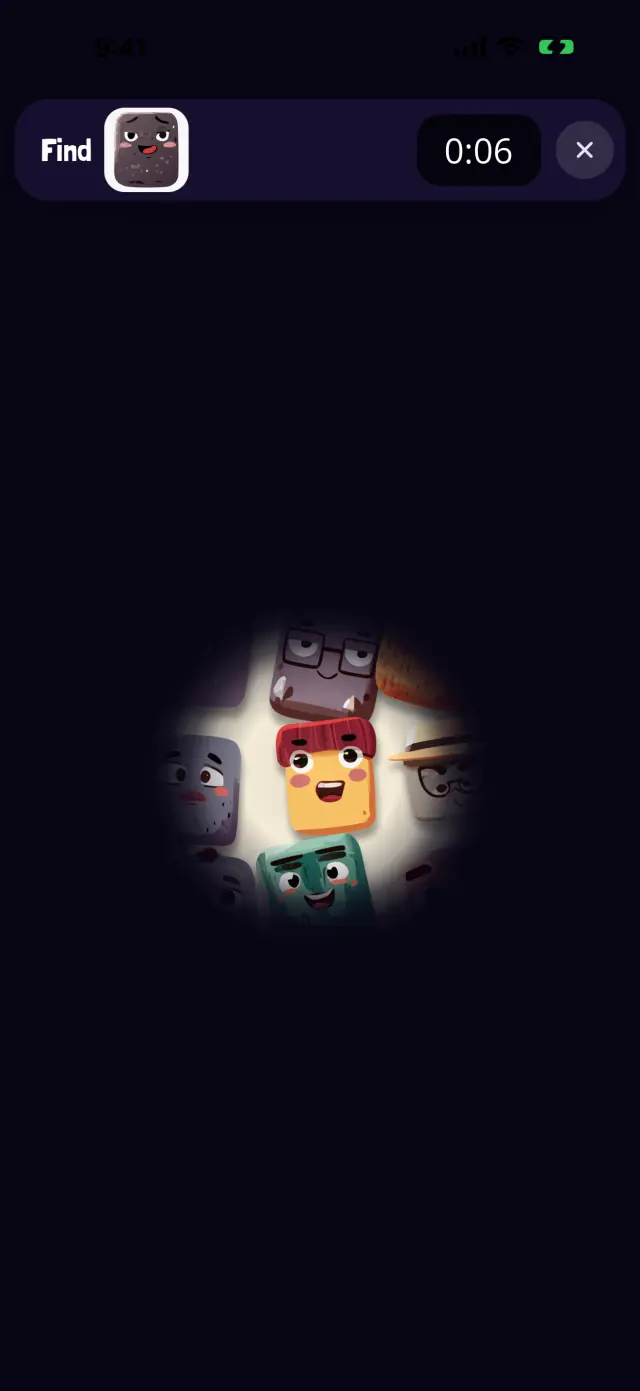
Oopsies are hiding in the dark.
The screen is dark and your finger is the flashlight. Slow, absorbing searching for the long middle of a flight.
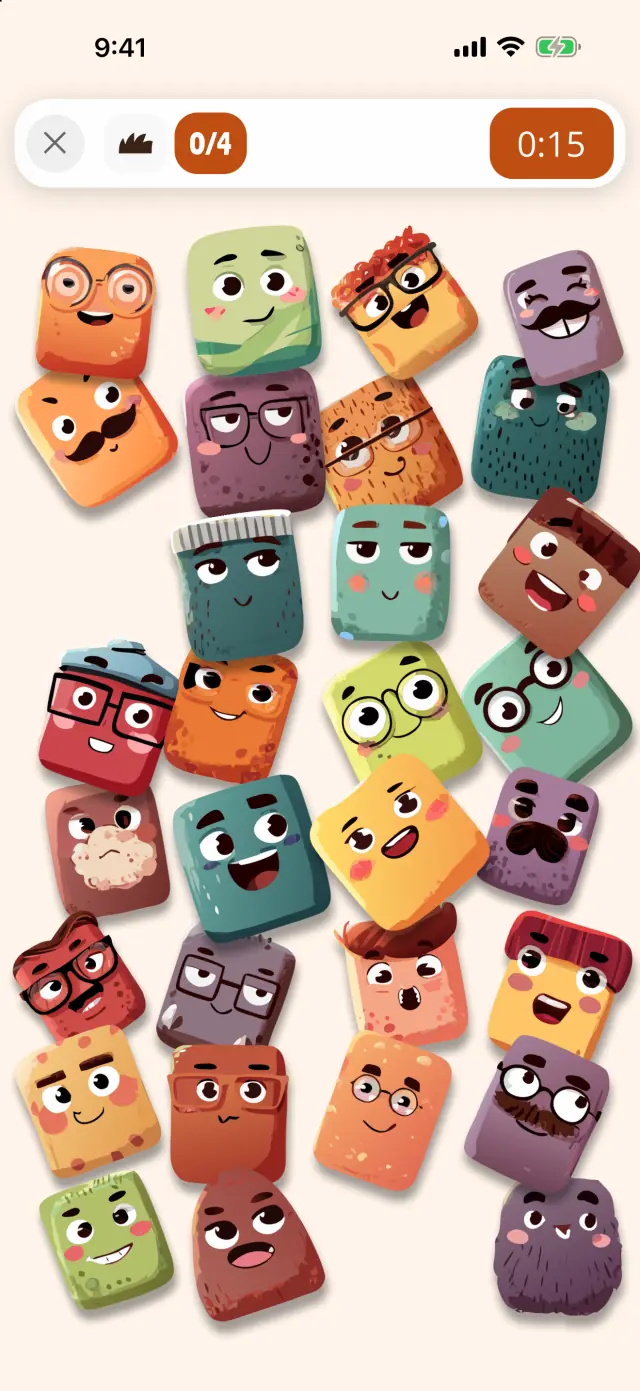
Find every Oopsie of the family.
Find every Oopsie with glasses, or a hat, or a mustache. The trait is shown as a drawn icon, so kids who can't read yet can play alone.
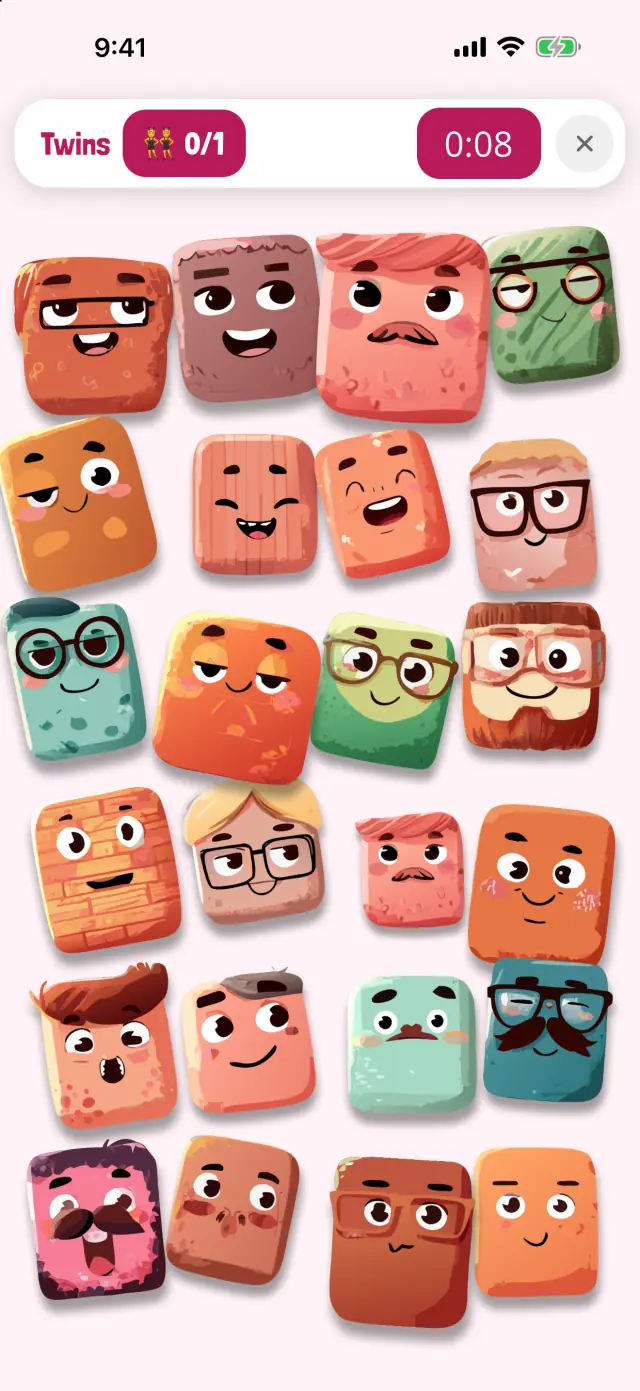
Two Oopsies are exactly alike.
Nobody tells you who to find: spot the two identical Oopsies in the crowd. The hardest kind of search, for older kids with time to fill.

Wipe the window to find the Oopsie.
Wipe the steamed-up window with a finger to see who's behind it. Very hands-on, good for restless moments.
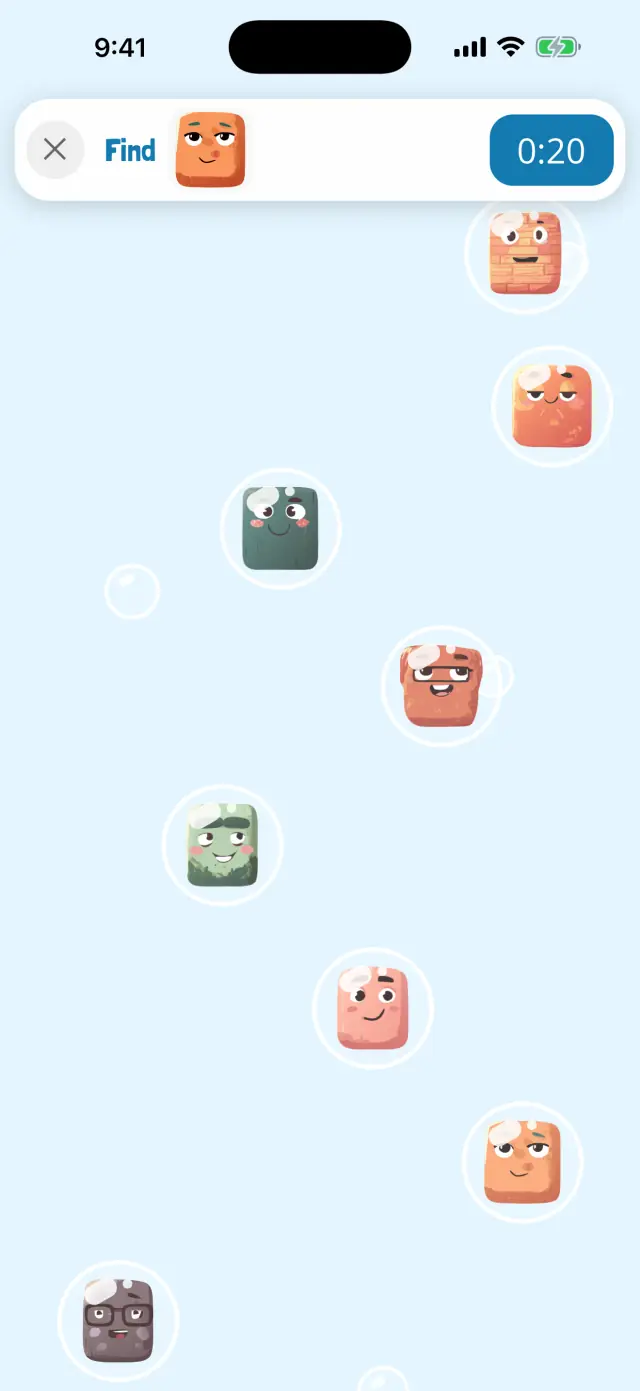
Pop the bubble with the right Oopsie.
Oopsies float up in bubbles and you pop the right one. Quick and lively, for short bursts between snacks.
Keep a few games that need nothing at all:
No. Oopsies works in airplane mode: levels play offline, and your progress and leaderboard times sync once you're back online. Download it, and open it once, while you still have a connection.
No. Progress is kept on the device while you're offline and syncs the next time the iPhone or iPad is online.
Yes, it works in airplane mode. Turn the sound off with the speaker button on the home screen, or use headphones.
Oopsies has no ads and no in-app purchases, so there's nothing to load and nothing to buy. Some free games behave differently when they can't load ads: the airplane-mode test above will show you.
Yes. It's the same as an iPhone in airplane mode: download it at home, then play anywhere.
Free, no ads, no in-app purchases, and it works in airplane mode. Progress syncs when you're back online.
Oopsies facts come from the game itself and its App Store listing. Last edited October 16, 2026.